Drop-down menu bar on remote control is annoying!
-
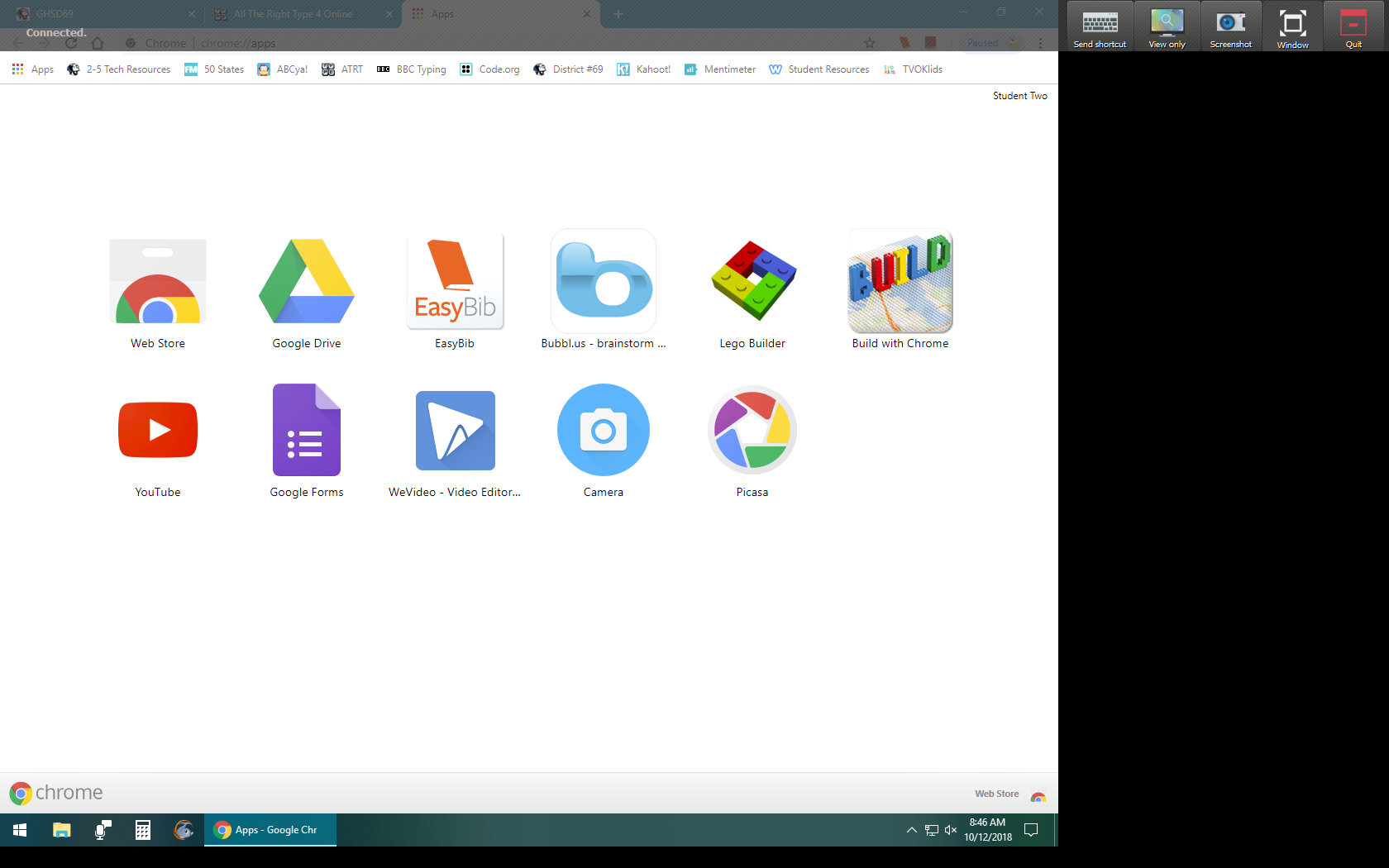
Am I the only one who finds the drop-down bar for the teacher (when remote controlling a student computer) annoying? It's at the top of the screen, and interferes with opening/closing tabs/windows, etc on a student machine, as it drops down every time I move the mouse to the top of their screen for any action (like closing a window or tab on a browser, etc). I'd love to see a way for that bar to be moved to the side rather than at the top. Anyone else?!
-
Yes I agree with this. It's one of my very few complaints with Veyon.
I think it would be better if the menu was consolidated to be much smaller so that it didn't cover important things.
Or maybe have a floating circle design menu which you can move around which has all the controls you need on it.
-
Today I worked on improving this so in upcoming 4.1.5 release the toolbar only appears after a delay of about 500 ms and the animation for appearing/disappearing is much faster now so everything should be much more usable now. A test build (4.1.4.10) is available at https://github.com/veyon/veyon/releases/download/v4.1.4/veyon-4.1.4.10-win64-setup.exe If you like the improvements please consider to make a donation to the Veyon project, see https://veyon.io/get-involved/ for details

Hello! It looks like you're interested in this conversation, but you don't have an account yet.
Getting fed up of having to scroll through the same posts each visit? When you register for an account, you'll always come back to exactly where you were before, and choose to be notified of new replies (either via email, or push notification). You'll also be able to save bookmarks and upvote posts to show your appreciation to other community members.
With your input, this post could be even better 💗
Register Login