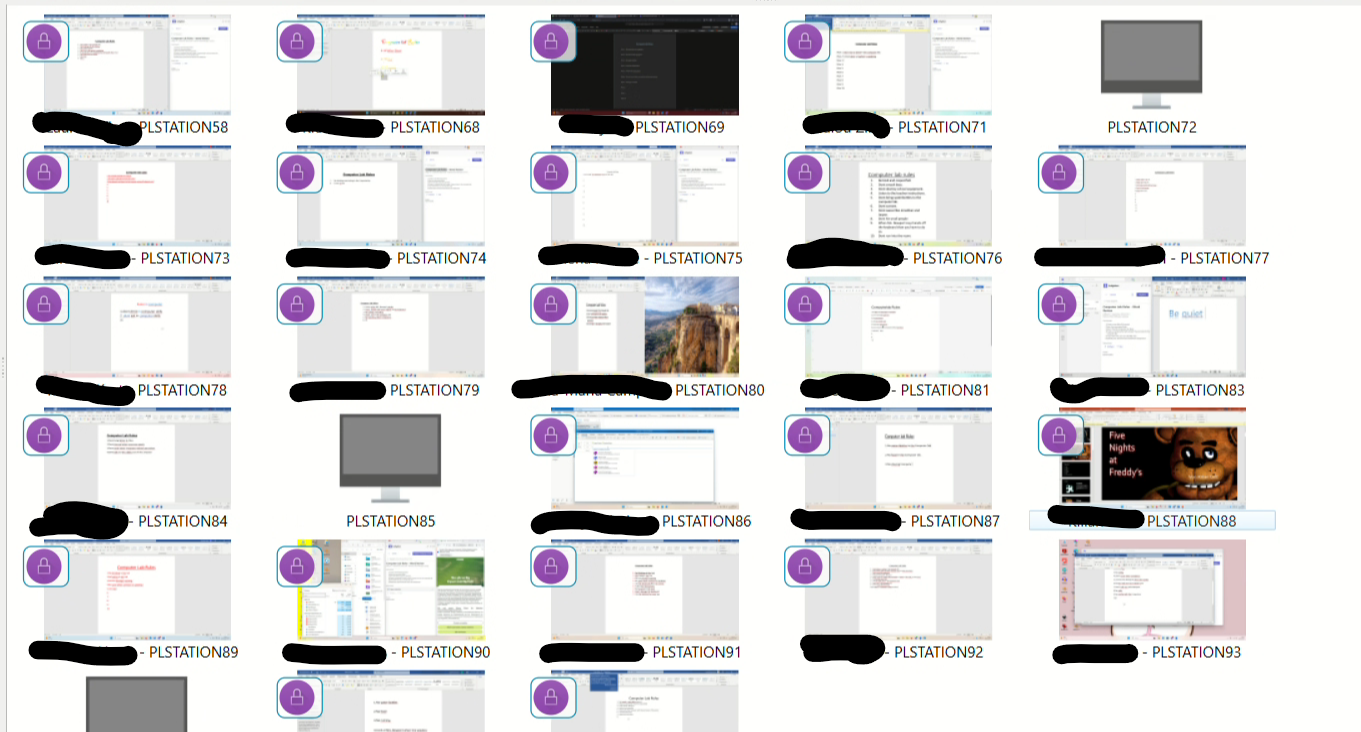
It depends on your setup, I suppose? I'm on active directory and putting the FQDN in the host address/ip field works great. This obviously requires that your host computer and end user computers are registering/polling local DNS to translate the names to ip addresses.
Hello,
We had the same issue on Veyon 4.11.1 (screen lock not working). After updating to 4.11.3, the problem persists. All our machines are running Windows 11 25H2. File transfer also stopped working.
Thanks!
hi zackd, this is an old post
I have to put inside the configurator hostname because I can't use static ip with new pc
Now I have windows 11.... do the hostname work now? (after 3 years? :D)
I read that perhaps we have to put .local after pc's name....
Hi Folks. I've just updated from 4.8.3 to 4.11.2 and have started getting the delays connecting to the client. I've managed to download 4.11.1.0 to see if there is any difference one version back. Has anyone else noticed this?
Update. Still the same and I've gone back a couple of versions. I'm wonder if it is our networ as the teacher said he never had this issue last academic year