Experiencing crashing after a few restarts
-
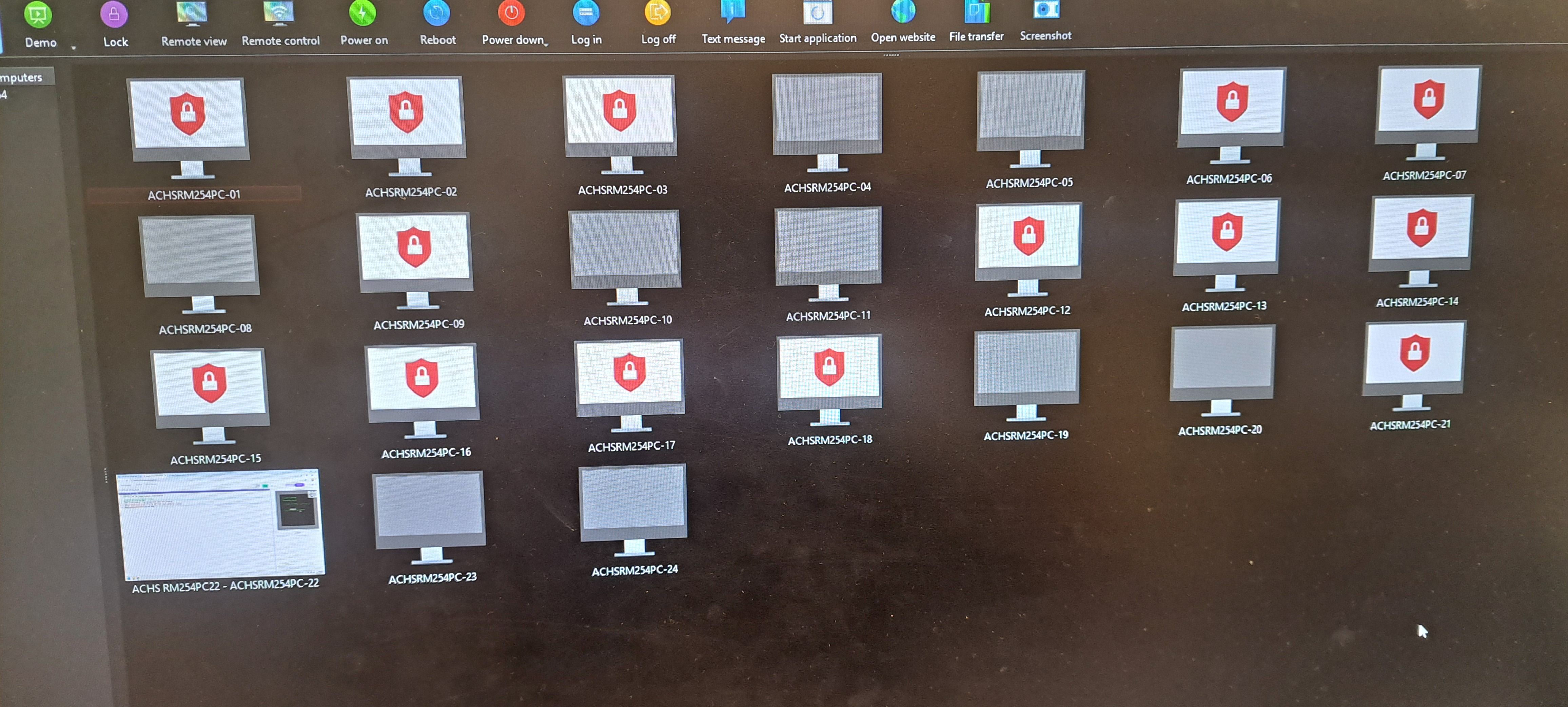
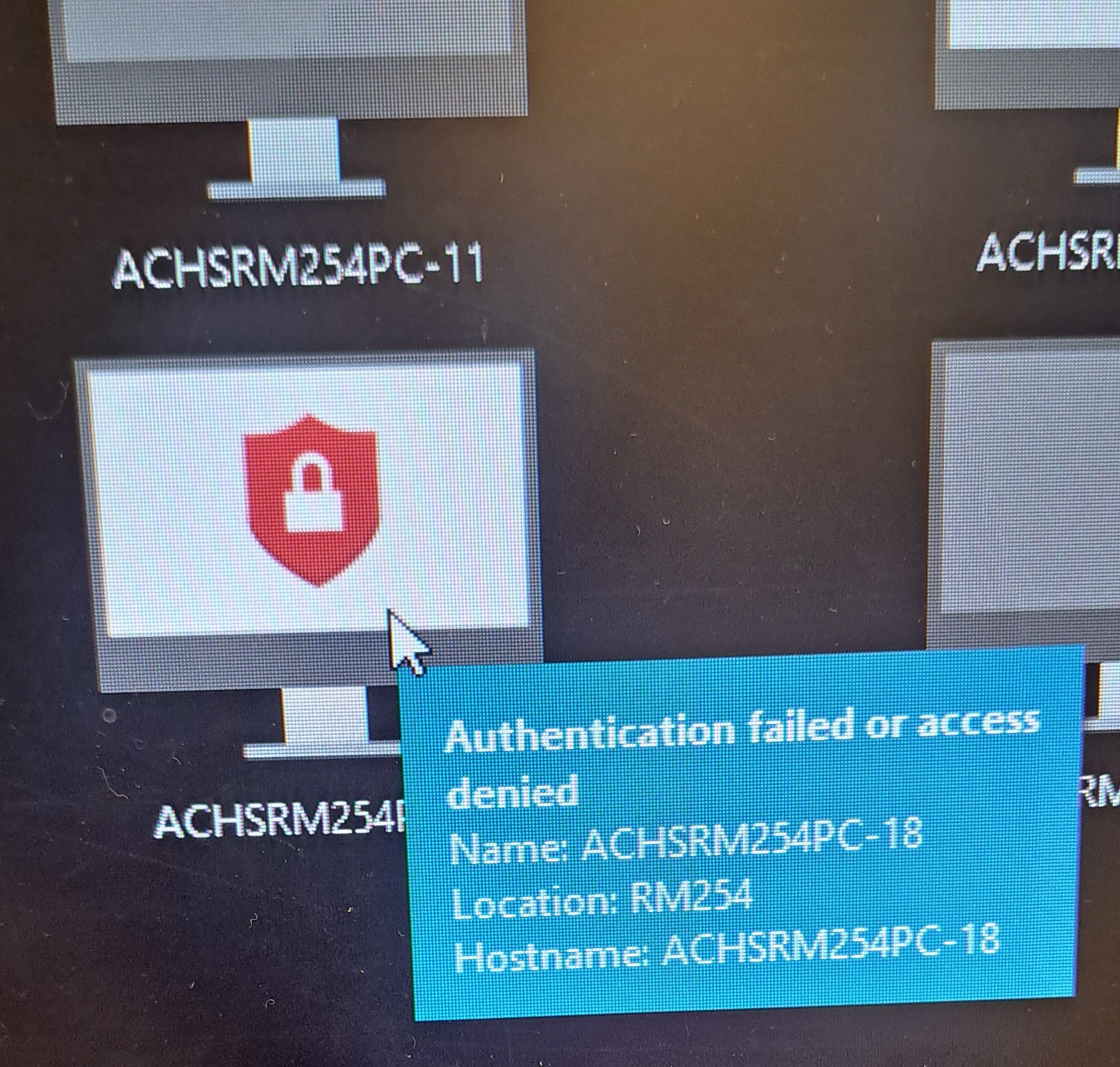
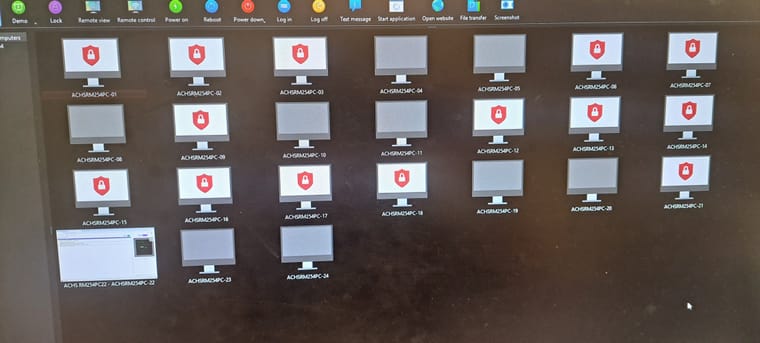
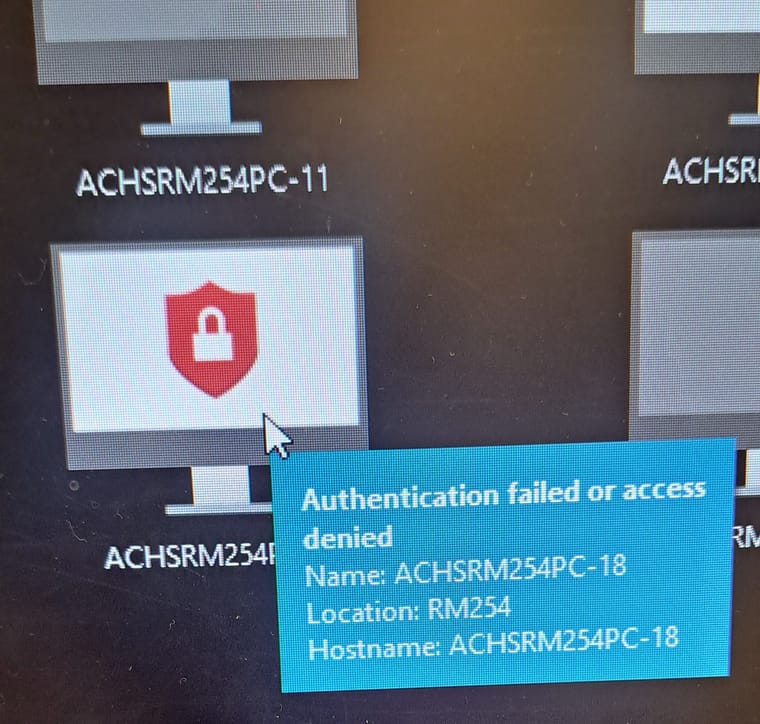
I can get the student computers to connect to the Veyon Master computer at first but then after a couple restarts Veyon Master will show a lock and say "Authentication Failed or Access Denied" and on the student side, the Veyon application is stuck opening and closing over and over automatically. Like it's crashing and restarting over and over.
Sometimes messing with the application on the student side and then restarting the computer can make it work again temporarily. We don't currently have static IP's on them but are using the computer names to connect which are unique. Should they be static ip's?
Dell Optiplex 3080
Windows 11 25H2 Education
Veyon 4.9.7
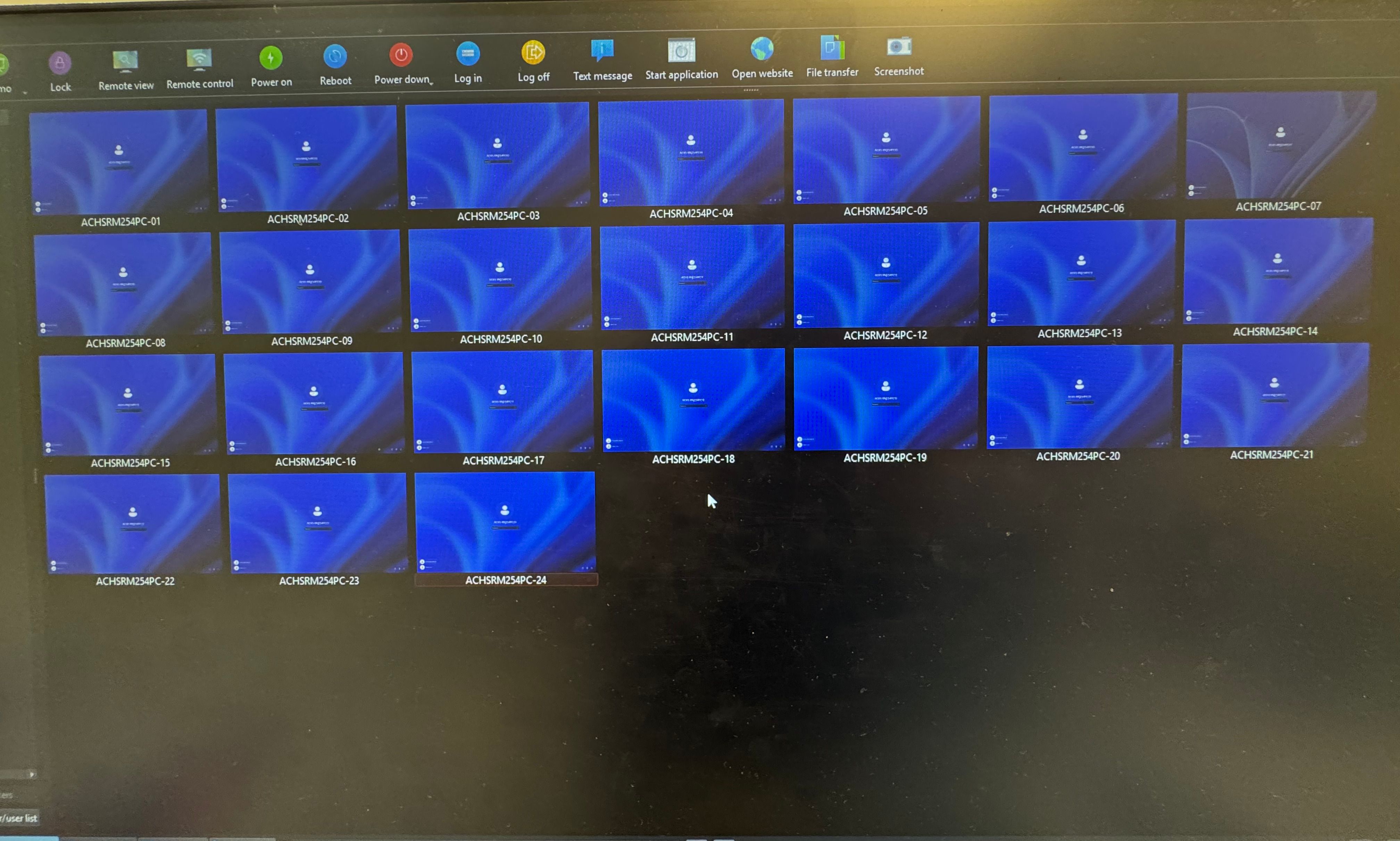
Using Authentication Keys as the method. Private Key on the Master computer and Public key on the student computers.1st pic shows them all working, 2nd and 3rd pics are what happens after a few restarts or couple days.
-
Can you try to add another dependency to the service by running the following command at the command line (requires admin privileges):
sc config VeyonService depend= tcpip/rpcss/lanmanworkstation/lsm/dnscacheThis adds the lanmanworkstation and dnscache services as dependencies.
Also try to upgrade the clients to Veyon 4.9.8.
-
Thank you! I will try that over the holiday break and see what happens when the students return. Upon troubleshooting since I made the post, I noticed the "Veyon Server" and "Veyon Worker" are the 2 processes that would continuously restart. The "Veyon service" stayed in the processes list. Based on that is there anything else I should try or do you think this will still do it?
Thank You!!
Hello! It looks like you're interested in this conversation, but you don't have an account yet.
Getting fed up of having to scroll through the same posts each visit? When you register for an account, you'll always come back to exactly where you were before, and choose to be notified of new replies (either via email, or push notification). You'll also be able to save bookmarks and upvote posts to show your appreciation to other community members.
With your input, this post could be even better 💗
Register Login